


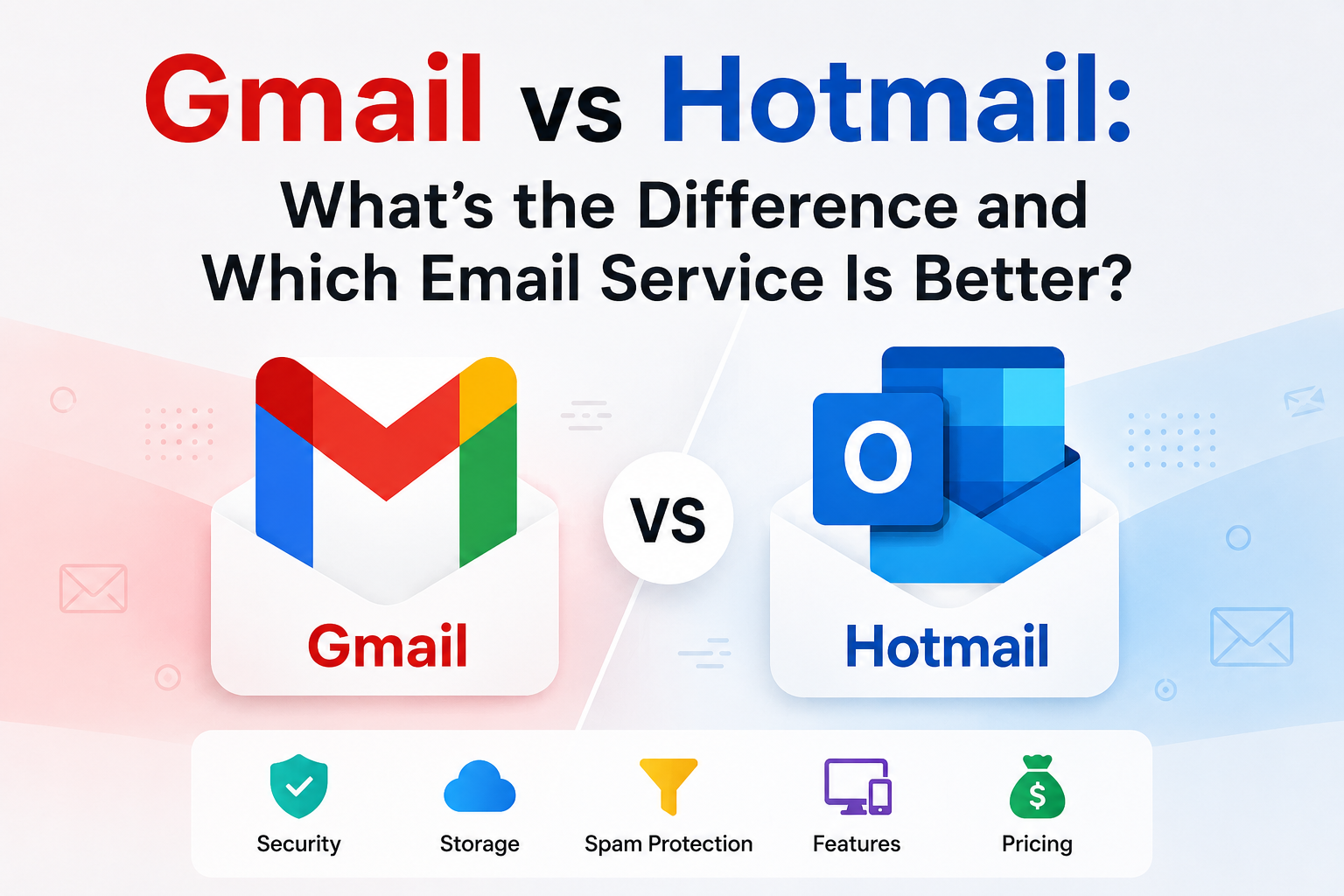
If you want an email account, you might have heard about Gmail and Hotmail. Both are popular email services. But what makes them different? Let’s explore the main differences between Gmail and Hotmail in simple words.
What Are Gmail and Hotmail?
Gmail is an email service made by Google. It started in 2004 and became very popular. Gmail lets you send and receive emails for free. It also works with other Google tools like Google Drive and Google Calendar.
Hotmail was one of the first free email services. It started in 1996 and was bought by Microsoft in 1997. Now, Hotmail is part of Microsoft’s Outlook.com. People still use the name Hotmail, but the service is Outlook.com today.
Email Address Format
The email address shows the service you use. Gmail addresses end with @gmail.com. For example: [email protected].
Hotmail email addresses end with @hotmail.com. For example: [email protected]. Microsoft also lets you use @outlook.com now, but Hotmail is still common.
User Interface and Design
The look of Gmail and Hotmail is different. Gmail uses a simple, clean design. It is easy to use and focuses on your emails.
Hotmail (or Outlook.com) has a different style. It looks more like Microsoft Office. It shows your email, calendar, and contacts in one place.
Both are easy to navigate, but you might prefer one based on your taste.
Storage Space
Both Gmail and Hotmail offer free storage for your emails and files.
| Email Service | Free Storage Space |
| Gmail | 15 GB (shared with Google Drive and Photos) |
| Hotmail / Outlook.com | 15 GB for email + 5 GB for OneDrive |
If you need more space, both let you buy extra storage for a fee.
Spam and Security Features
Spam emails are unwanted messages. Both services try hard to block spam.
Gmail is known for strong spam filters. It catches many fake emails and puts them in the spam folder.
Hotmail also has good spam protection. It uses Microsoft’s security tools to keep your account safe.
Both Gmail and Hotmail support two-step verification. This means you need a password and a code from your phone to log in. It helps protect your account.
Integration with Other Services
Integration means how well your email works with other apps.
Gmail works very well with Google’s services. For example, you can open Google Docs, Google Sheets, and Google Calendar from your Gmail account.
Hotmail (Outlook.com) works well with Microsoft apps. You can use Microsoft Word, Excel, and OneDrive easily with your Hotmail account.
Choose the email service that fits the apps you use more.
How Easy Is It to Use?
Both Gmail and Hotmail are easy to use. But some people find Gmail simpler. It shows fewer buttons and options.
Hotmail’s layout has more features visible. This can be good if you want many tools in one place.
For beginners, Gmail might feel less confusing.
Mobile Apps
Many people check email on their phones. Both Gmail and Hotmail have mobile apps.
- Gmail App: It is fast and easy. The app works on Android and iPhone.
- Outlook App (for Hotmail): This app also works on Android and iPhone. It can handle multiple email accounts.
You can use either app to read and send emails on the go.
Advertising in Your Inbox
Both Gmail and Hotmail show some ads in your email. This is how they offer free service.
Gmail shows ads in the Promotions tab. These ads look like emails but say “Ad” or “Sponsored.”
Hotmail shows ads in the main inbox or other folders. The ads are also marked clearly.
You can ignore these ads or pay for premium accounts to avoid ads.
Which One Has Better Customer Support?
Both Google and Microsoft offer help if you have problems.
Gmail support is mostly online. You find answers on Google’s help pages or forums.
Hotmail support is similar. Microsoft has online help and community forums.
If you have a paid plan, you may get faster help.
Summary of Differences
| Feature | Gmail | Hotmail (Outlook.com) |
| Owner | Microsoft | |
| Email Address | @gmail.com | @hotmail.com, @outlook.com |
| Storage | 15 GB (shared) | 15 GB + 5 GB OneDrive |
| Interface | Simple, clean | More tools, Microsoft style |
| Spam Protection | Strong | Strong |
| Apps Integration | Google apps | Microsoft Office apps |
| Mobile App | Gmail app | Outlook app |
Which One Should You Choose?
Choosing between Gmail and Hotmail depends on what you want.
If you use Google tools a lot, Gmail is a good choice. It works well with Google Drive, Docs, and Calendar.
If you use Microsoft Office programs, Hotmail (Outlook.com) might suit you better. It connects easily with Word, Excel, and OneDrive.
Both are free and easy to use. You can try both to see which you like.
Moreover, old Gmail is good for Google Reviews.
Final Thoughts
Gmail and Hotmail are both good email services. They help you send and receive emails every day.
The main differences are who owns them, the look, and what other apps they work with.
Use the one that fits your needs best. Both keep your emails safe and easy to access.
Now you know the difference between Gmail and Hotmail. Pick your favorite and start sending emails!
Pvaxsmm provides old Gmail accounts at a cheap price.
Frequently Asked Questions
What Is The Main Difference Between Gmail And Hotmail?
Gmail is Google’s email service, while Hotmail is now Outlook by Microsoft. They differ in design, features, and integrations.
Which Email Service Is Easier To Use, Gmail Or Hotmail?
Gmail has a simple, clean interface that many find user-friendly. Hotmail’s Outlook offers more tools but may feel complex at first.
How Do Gmail And Hotmail Handle Spam Emails?
Both services use strong spam filters to block unwanted emails. Gmail’s filters are often praised for accuracy and customization options.
Can I Access Gmail And Hotmail On Mobile Devices?
Yes, both Gmail and Hotmail have mobile apps for iOS and Android. They allow easy access to emails on the go.
Which Email Service Offers Better Storage Space?
Gmail provides 15 GB of free storage shared across Google services. Hotmail offers 15 GB of mailbox storage through Outlook as well.
Do Gmail And Hotmail Support Third-party App Integrations?
Gmail integrates well with Google Workspace apps like Drive and Docs. Hotmail works closely with Microsoft Office apps like Word and Excel.
Which Email Service Has Stronger Security Features?
Both Gmail and Hotmail offer two-step verification and encryption. Gmail is known for frequent security updates and phishing protection.
How Easy Is It To Switch From Hotmail To Gmail?
You can import emails and contacts easily from Hotmail to Gmail. Both services provide step-by-step guides for smooth migration.
Can I Use Gmail And Hotmail For Business Email Accounts?
Yes, Gmail offers Google Workspace for business use. Hotmail’s Outlook is part of Microsoft 365, popular for professional email solutions.



2 Comments
[…] If you use Google tools a lot, Gmail is a good choice. It works well with Google Drive, Docs, and Ca… […]
[…] Old Gmail accounts often have more access to certain Google features. Some services require account age or history. New accounts may face limitations or delays. […]