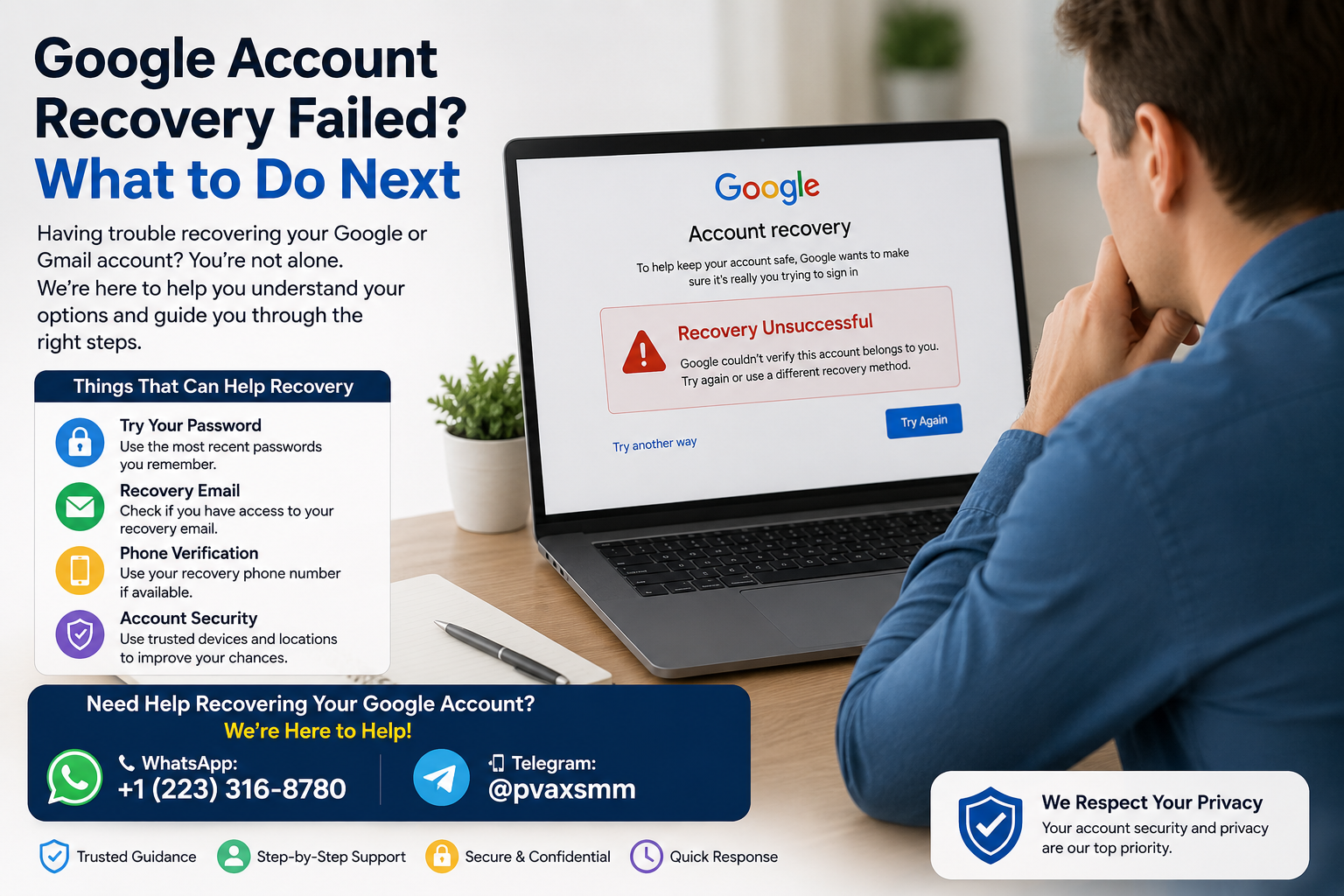
Losing access to a Google or Gmail account can be stressful, especially when you have already tried the recovery process and received a message such as “Google couldn’t verify this account belongs to you.” If you are dealing with a Google account recovery failed message, the most important thing is to avoid shortcuts and focus on the legitimate recovery options Google provides.
A failed recovery attempt does not automatically mean the account is permanently lost. Google may simply lack enough information at that point to establish that you are the rightful owner. The recovery system asks questions and evaluates available account information to protect accounts from unauthorized access. Google itself recommends answering as many recovery questions as possible and, when available, using a familiar device, browser, and location.
This guide explains what to do if Google Account recovery fails, why recovery may not work, what information can help, and what realistic options remain when you can no longer access your old recovery methods.
Why Does Google Account Recovery Fails?
There is no single reason why a Google account recovery problem occurs. The recovery system is designed to determine whether the person requesting access is actually the account owner.
Common situations include:
1. You no longer remember enough account information
If you have forgotten your Google password, you may be asked for information associated with the account. An incorrect answer, an old password you do not actually remember, or missing information can make verification more difficult.
Google advises users to answer recovery questions as accurately as possible. If you are unsure, Google says you should make your best attempt rather than simply skipping every question.
2. You lost access to your recovery phone
A recovery phone number can be an important part of account security. If your number has been disconnected, replaced, or belongs to a phone you no longer possess, you may be unable to receive a verification code.
Depending on the account’s existing security configuration, other legitimate verification methods may still be available.
3. You lost access to your recovery email
The same problem can occur when your recovery email is no longer accessible. You may know the Gmail address and even remember an old password, but Google may still need additional information before allowing access.
4. You’re using an unfamiliar device or location
Google’s recovery guidance specifically recommends using a device and location where you normally sign in when possible. A familiar computer, phone, browser, or usual location can provide useful context during the legitimate recovery process.
This is not a bypass technique, and it does not guarantee that recovery will succeed. It simply follows Google’s own recommended recovery guidance.
5. Important security information has changed
If someone changed the account password, recovery phone, or other security information, recovery can become more complicated. Google recommends using its account-recovery process when an account may have been hacked or its information changed without permission.
6. The account may no longer be available
An account could have been deleted. Google says recently deleted personal Google Accounts may still be recoverable, but an account deleted for some time may no longer be recoverable.
Google also has an Inactive Google Account Policy under which personal accounts that have not been used for at least two years may be deleted, subject to Google’s stated exceptions.
Check Your Google Account Details Before Trying Again
Before starting another Google account recovery process, take a few minutes to make sure you are attempting to recover the correct account and have the information you genuinely remember.
Check the following:
- The exact Gmail or Google account address
- Previously used passwords you genuinely remember
- Your recovery phone number
- Your recovery email address
- Phones, tablets, or computers you previously used to sign in
- The browser you commonly used
- A location where you normally accessed the account
- Whether another device is still signed in to the account
- Whether the account may have been deleted
- Whether you previously enabled 2-Step Verification
- Whether you saved backup codes or configured another legitimate sign-in method
Do not invent answers simply because a recovery question appears difficult. Your goal is to provide information that genuinely relates to the account.
If you are unsure of the Gmail address itself, Google also provides a username-recovery process that can help identify accounts associated with available recovery information.
Use Google’s Official Account Recovery Process
When Google account recovery is not working, the safest approach is to use Google’s official recovery system rather than searching for third-party services that claim they can unlock accounts.
Google’s official Account Recovery page
Google’s documented process asks questions designed to help establish account ownership. If you have forgotten your password, Google directs you to its account recovery process and advises you to answer the questions as accurately as possible.
Google also provides specific recovery tips, including:
- Use the official recovery page.
- Answer as many questions as possible.
- Provide the most accurate information you genuinely know.
- Use a familiar device when possible.
- Use the browser you normally used.
- Try from a location where you usually signed in.
- Pay close attention to password spelling and capitalization.
- Follow the verification options Google actually provides.
Google notes that recovery questions can vary, so you may not see every question described in its help documentation.
Avoid third-party recovery services
Be particularly careful with websites or individuals promising to “recover,” “unlock,” or “verify” a Google account for a fee.
Google states that it does not work with services claiming to provide account or password support and advises users not to share passwords or verification codes.
Never provide a stranger with:
- Your Google password
- Verification codes
- Backup codes
- Security keys
- Passkeys
- Recovery codes
- Screenshots containing sensitive security information
A legitimate recovery process should not require you to hand your credentials to an unrelated person.
What If You Don’t Have Your Recovery Phone Number?
A lost recovery phone does not necessarily mean that every legitimate recovery option has disappeared.
First, determine whether the phone number itself can still be recovered through your mobile carrier. If the number is still yours but the physical phone was lost or damaged, your carrier may be able to help you transfer the number to another phone or SIM, subject to its own policies.
If you previously configured other Google security methods, those may also be relevant. Google lists possibilities such as:
- Another phone already signed in to your Google Account
- Another phone number added for 2-Step Verification
- Previously saved backup codes
- A hardware security key
- A passkey on another device
- A trusted device
Google’s 2-Step Verification guidance explains that available options depend on how your account was configured.
If none of those options are available, use Google’s official recovery process rather than attempting to bypass the verification requirement.
What If You Don’t Have Access to Your Recovery Email?
A lost recovery email can make account recovery harder, but you should still work through Google’s official recovery flow.
Before trying again, check whether you can legitimately regain access to the recovery email itself. For example, if it is another email account that belongs to you, you may be able to recover that email account through its own official recovery process.
Also consider whether you have other legitimate Google security options available.
Do not assume that knowing the Gmail address alone proves ownership. Google’s recovery system is specifically designed to prevent someone who merely knows an email address from taking control of the account.
NB: Buy Aged Gmail Accounts with Recovery Details from Pvaxsmm.
Google Says It Couldn’t Verify That You Own the Account
One of the most frustrating messages is:
“Google couldn’t verify this account belongs to you.”
In practical terms, this generally means Google did not receive enough information during that recovery attempt to establish ownership with sufficient confidence.
It does not mean you should search for a technical workaround.
Instead, review the information you supplied and follow Google’s recovery guidance again when appropriate.
Google specifically says that if you have already received this verification message, you can try the recovery process again. Its recovery guidance recommends answering as many questions as possible and using a familiar device and location when available.
The information that may be useful can include:
- A password you genuinely remember using
- The correct account address
- Available recovery information
- A familiar device
- A familiar browser
- A familiar sign-in location
- Legitimate backup verification methods configured previously
The key point is accuracy, not volume. Providing random information or guessing passwords repeatedly does not establish ownership.
Try Account Recovery From a Familiar Device and Location
If your Google account recovery failed, one of the most practical things to check before another legitimate attempt is whether you are using a device and environment associated with the account.
Google recommends:
- A computer, phone, or tablet you frequently used to sign in
- The browser you normally used
- A location where you commonly signed in, such as your home or workplace
For example, if you normally used a particular laptop and browser to access Gmail at home, using that same setup may provide Google with more familiar account context than attempting recovery from a completely new device.
However, this is not a guarantee of recovery. Familiarity can help the legitimate verification process, but Google ultimately decides whether the information available is sufficient.
What to Do If Recovery Still Doesn’t Work
If you have completed Google’s recovery process and still cannot recover the account, work through the following possibilities.
1. Review Google’s recovery guidance
Start with Google’s official documentation rather than relying on blogs, videos, or people offering paid recovery.
Google provides separate guidance for password problems, lost phones, 2-Step Verification, compromised accounts, deleted accounts, and other sign-in problems.
2. Determine whether the account was deleted
If you intentionally deleted the account recently, Google’s recovery process may still restore it. Google warns that recovery may not be possible after an account has been deleted for some time.
3. Consider whether the account is an organization account
If the account belongs to a company, school, or other organization, the normal personal-account recovery process may not apply. Google recommends contacting the relevant administrator for organizational accounts.
4. Check whether the account was compromised
If you believe someone changed your password or recovery information, use Google’s guidance for hacked or compromised accounts rather than treating the situation as an ordinary forgotten-password problem.
5. Accept that recovery may ultimately be unsuccessful
There is no legitimate method that guarantees recovery when Google cannot establish account ownership.
If all official recovery options fail, creating a replacement Google Account may eventually be the practical solution. Google itself lists creating a new account as an option when recovery remains unsuccessful.
How Long Should You Wait Before Trying Again?
There is no universal waiting period that should be presented as a guaranteed solution for every Gmail account recovery failed situation.
Google’s official documentation says that if you recently changed account recovery information, those changes may take up to seven days to take effect, and Google recommends trying recovery again after a few days in that situation.
Other recovery situations can be different. Rather than relying on an unofficial “24-hour,” “72-hour,” or “one-week” rule, follow the instructions Google displays for your particular account.
Most importantly, do not use unofficial waiting periods as a supposed way to bypass security checks.
How to Prevent Future Google Account Recovery Problems
The best time to solve a recovery problem is before it happens.
After regaining access—or when setting up a new account—review your recovery and security information.
Add a recovery email
Use an email address that you control and regularly access. A recovery email can provide an additional way to receive account-related information.
Keep your recovery phone current
If you change your phone number, update your Google Account security information rather than leaving an old number attached indefinitely.
Use a strong, unique password
Avoid reusing your Google password on other websites. If another service suffers a breach, password reuse can put your Google Account at risk.
Enable 2-Step Verification
Google’s 2-Step Verification system adds another layer of protection. Before enabling it, make sure you understand and retain the available backup methods.
Google documents several backup possibilities, including backup codes, security keys, passkeys, and other configured verification methods.
Review security settings periodically
Every so often, check your Google Account’s security information and make sure your recovery email, phone number, and other verification methods are still usable.
Keep important information accessible
If you use backup codes, store them somewhere secure and accessible when needed. Avoid keeping the only copy on a device that could be lost or become inaccessible.
Google Account Recovery FAQ
Why is my Google account recovery not working?
Recovery may fail because Google does not have enough information to verify that you own the account. Forgotten passwords, unavailable recovery methods, unfamiliar devices, changed security information, or an unavailable account can all complicate recovery.
What should I do if Google can’t verify my account?
Use Google’s official recovery process again when appropriate. Answer as many questions as you can, provide information you genuinely remember, and use a familiar device, browser, and location when possible.
Can I recover a Gmail account without my old phone number?
Possibly, depending on what other legitimate verification information and recovery methods are available on the account. If your old number is unavailable, follow Google’s official recovery process and use any other options it provides.
Can I recover a Google account without a recovery email?
It may still be possible if Google has other information or verification methods available for the account. However, there is no guaranteed alternative that bypasses Google’s ownership checks.
How long should I wait before trying account recovery again?
There is no universal waiting period for every recovery situation. If you recently changed recovery information, Google says those changes can take up to seven days to take effect. Follow Google’s instructions for your particular situation.
What happens if I cannot recover my Google Account?
If every official recovery option fails, the account may remain inaccessible. Google suggests creating a new account if you still cannot recover the original account.
Can I contact Google to recover my personal Gmail account?
Google says you cannot call Google for help signing into a personal account and warns against services claiming to provide account or password recovery. Use Google’s official account recovery and help resources instead.
Is there a way to bypass Google’s verification?
No legitimate recovery process should involve bypassing Google’s security or identity-verification safeguards. If the available evidence is insufficient, continue using Google’s official recovery options rather than attempting to circumvent them.
Final Thoughts
When Google account recovery fails, the most useful response is not to search for a shortcut. Start by confirming that you have the correct account, review the information you genuinely remember, and use Google’s official recovery process carefully.
A familiar device, familiar browser, and familiar location can be helpful because Google specifically recommends them during recovery. Having current recovery information and legitimate backup verification methods can also make future account-access problems easier to handle.
At the same time, recovery is not guaranteed. If Google cannot establish that you own the account, there is no legitimate method for an outside person or service to simply override that decision. Be especially cautious of anyone asking for your password, verification codes, or payment in exchange for a guaranteed recovery.
The long-term lesson is simple: keep recovery information current, use strong account security, and treat account recovery as a security process—not something that should be bypassed.