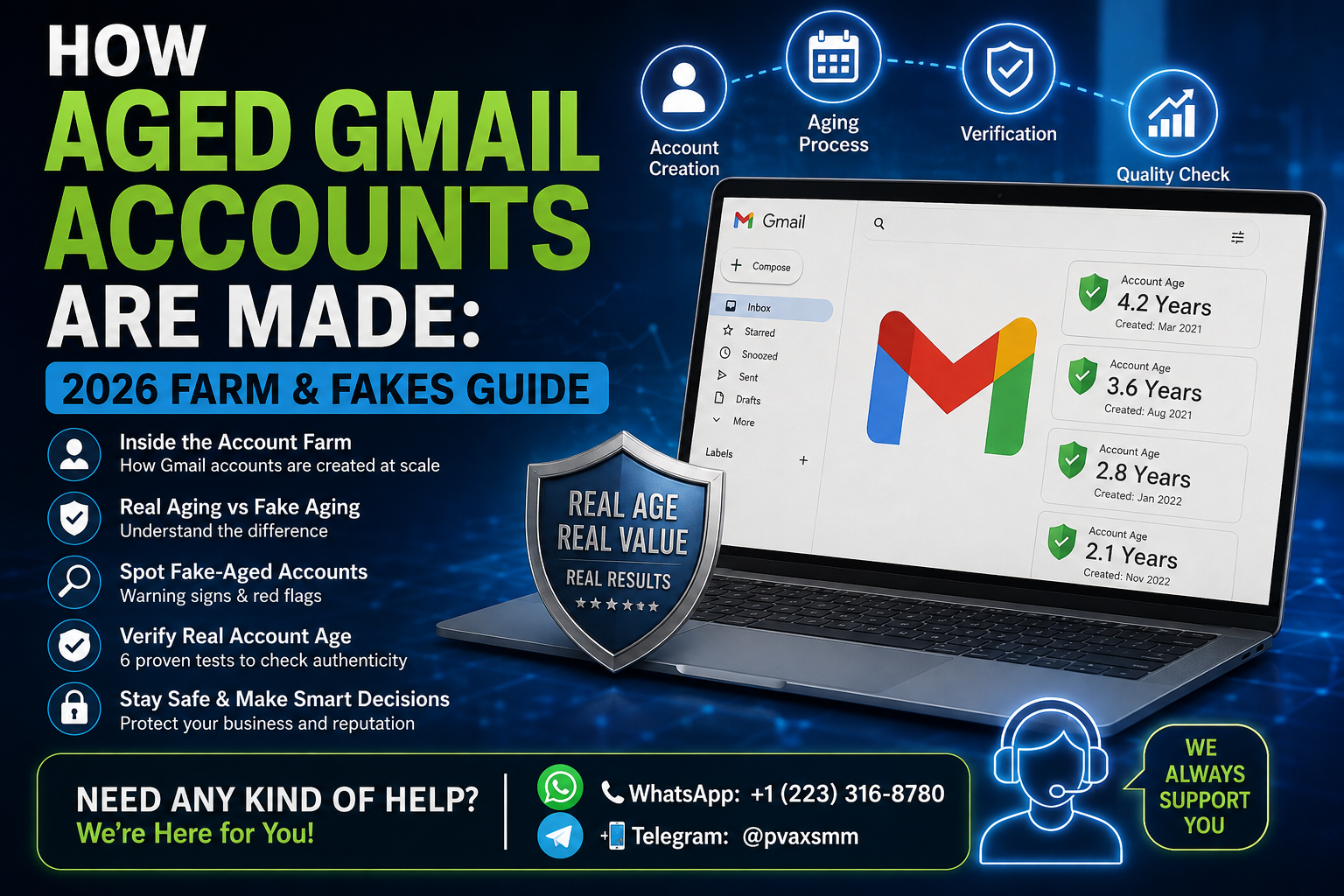
A practical 2026 guide to understanding aged Gmail accounts, account farms, fake aging claims, verification risks, and how to avoid unreliable or deceptive offers.
What “Aged” Really Means — and Why It Gets Faked
The phrase “aged Gmail account” is widely used in online marketplaces, but it does not have one universally accepted technical definition.
Generally, an aged account refers to a Google account that was created some time ago and has existed for a period of months or years. Sellers may advertise accounts as “6 months old,” “2 years old,” or “old Gmail accounts.”
However, account age alone does not establish trustworthiness.
An account can be old while having little legitimate activity, a history of security problems, or characteristics that make it unsuitable for a particular service. Conversely, an account that has been used normally over time may have a very different history from an account that was simply created and left unused.
This distinction is important because the word “aged” is frequently used as a marketing term.
Some sellers may exaggerate an account’s age, provide incomplete information about its history, or present recently created accounts as older accounts. Others may use screenshots or claims that are difficult for a buyer to independently verify.
For businesses and marketers, the safest approach is therefore to treat “aged” as a claim that requires evidence rather than as a guarantee of account quality.
Inside the Account Farm: How Gmail Accounts Are Made
An account farm is a setup designed to manage large numbers of online accounts. In the context of Gmail, this can involve numerous accounts being created and managed through automated or semi-automated processes.
There is an important distinction between legitimate organizational account management and abusive account farming.
Businesses may legitimately administer many Google accounts through Google Workspace, employee provisioning, aliases, groups, and centralized administration. That is fundamentally different from creating large numbers of consumer accounts for resale, manipulation, spam, fake engagement, or bypassing platform restrictions.
Commercial account farms can attempt to manufacture the appearance of established accounts by:
- Creating accounts in large quantities
- Maintaining account inventories
- Using automation or scripted workflows
- Assigning accounts to different operators
- Adding or changing account information
- Attempting to establish a history of activity
- Reselling accounts through third-party marketplaces
The exact methods vary considerably, and some approaches violate Google’s policies or the policies of other platforms.
For legitimate users, the key lesson is simple: an account’s existence for a certain number of months does not automatically make it trustworthy.
An account can be old without having a legitimate history, and an account can also become restricted if its activity violates platform rules.
Real Aging vs. Backdating: Two Very Different Products
One of the biggest misconceptions surrounding aged Gmail accounts is that account age can simply be “changed.”
It cannot legitimately be rewritten.
If a Google account was created in 2026, changing its profile information does not turn it into an account created in 2023.
Real aging
Real aging means that an account was genuinely created in the past and has continued to exist.
For example:
Account created: 2023
Account still active: 2026
Approximate account age: 3 years
The important characteristic is the historical existence of the account.
Backdating
Backdating is different.
A seller may claim that an account is old because of a displayed date, profile information, screenshots, or other superficial indicators. These details do not necessarily prove the actual creation date or history of an account.
This is why buyers should be skeptical of statements such as:
- “Guaranteed 5-year-old Gmail”
- “100% trusted because of age”
- “Old account with instant approval everywhere”
- “Age can never be detected”
- “Guaranteed no restrictions”
No legitimate seller can guarantee how Google or another platform will treat an account simply because someone labels it “aged.”
The Quality Tiers a Farm Actually Produces
Marketplaces often divide accounts into informal “quality tiers.”
These labels are not standardized Google classifications.
A seller might describe accounts as:
- New
- Aged
- Verified
- Premium
- High-trust
- Long-term
- Business-ready
The terminology can sound authoritative, but buyers should remember that these are usually seller-defined categories.
A supposed “premium aged account” does not automatically receive preferential treatment from Google.
Account quality depends on many factors, including security history, account behavior, authentication status, policy compliance, and the requirements of the service where the account is being used.
Therefore, an account’s advertised tier should be treated as a marketing description rather than an official technical classification.
Where Phone Verification Fits Into the Process
Phone verification is another area that is frequently misunderstood.
A phone number can be used as part of Google’s account-security and verification processes. Depending on Google’s current requirements and circumstances, verification may be requested during account creation or later when unusual activity is detected.
However, phone verification does not transform an account into a permanently trusted account.
Likewise, “PVA” or “phone-verified account” is not an official Google quality rating.
A phone-verified account can still experience:
- Security challenges
- Suspicious-login warnings
- Recovery problems
- Policy enforcement
- Access restrictions
- Requests for additional verification
Users should also be cautious about accounts where the seller controls the recovery information or where the original verification details are unclear.
For legitimate long-term use, maintaining control over your own recovery options and security settings is considerably more important than purchasing an account because it has been advertised as “PVA.”
How to Spot Fake-Aged Accounts Before You Buy
If someone is considering an account from a third-party marketplace, skepticism is essential.
A few warning signs deserve particular attention.
1. Unrealistic guarantees
Claims such as “never banned,” “guaranteed trusted,” or “works everywhere” should immediately raise concerns.
No third-party seller can guarantee how Google or another platform will evaluate an account in the future.
2. No verifiable history
A screenshot showing a profile or inbox does not necessarily prove when an account was created.
Evidence should be independently credible rather than simply supplied by the seller.
3. Large quantities at suspiciously low prices
If a seller claims to offer thousands of highly established accounts at unusually low prices, the economics deserve scrutiny.
Creating, maintaining, securing, and legitimately managing long-established accounts involves resources.
4. Recovery information controlled by someone else
An account that depends on a seller-controlled recovery email address, phone number, or authentication method can create serious ownership and security problems.
5. Pressure to act quickly
Fraudulent or low-quality sellers may use artificial scarcity:
“Only 20 left.”
“Buy today before the price increases.”
“No refunds after 10 minutes.”
Pressure is not evidence of quality.
Six Tests to Verify Real Account Age
There is an important limitation here: there is no universal public test that gives every third-party user a guaranteed, authoritative Gmail creation date.
Instead of relying on one supposed “age checker,” evaluate the account as a whole.
Test 1: Ask for credible historical evidence
Look for documentation that reasonably supports the seller’s claim rather than relying on a single screenshot.
Test 2: Check account-security information
Once an account is legitimately under your control, review its Google security settings and account activity.
Unexpected recovery details or unfamiliar security events are warning signs.
Test 3: Examine consistency
An account supposedly created years ago should not have a story that contradicts its advertised history.
Inconsistent dates, names, recovery information, or seller explanations deserve further investigation.
Test 4: Look for security anomalies
Unexpected login alerts, unfamiliar devices, or unexplained security changes can indicate that an account has been shared, transferred repeatedly, or compromised.
Test 5: Evaluate the seller’s transparency
A reputable business should be able to explain what it is selling, what guarantees actually cover, and what limitations apply.
Test 6: Consider whether you need a third-party account at all
For business purposes, creating and managing accounts through legitimate Google products is often safer than inheriting an unknown account history.
This is particularly important when an account will be used for sensitive communications, customer relationships, payments, or business operations.
What Real Aging Costs — and Why Too Cheap Is a Warning
There is no official Google price for an “aged Gmail account.”
That is because Google does not sell Gmail account age as a product feature.
Third-party sellers set their own prices, often based on claims about account age, verification, activity, geography, reputation, or other characteristics.

Here are the current price ranges for old Gmail accounts in 2026:
12+ years old — $5 to $6 per account
6 months old — $1 to $2 per account
1 year old — $2 to $4 per account
2-3 years old — $3 to $6 per account
5 years old — $6 to $9 per account
Treat such formulas with caution.
A very low price can indicate that the seller’s product is not what the advertisement suggests. It can also indicate poor security, recycled credentials, compromised accounts, inaccurate age claims, or an unreliable after-sales process.
The safest purchasing decision is not necessarily the cheapest one. In many cases, the safest option is not to purchase a pre-existing consumer account at all.
What a Trustworthy Batch Looks Like
If a business legitimately needs multiple Google accounts, it should generally consider official account management solutions rather than purchasing consumer accounts from an unknown source.
For organizations, Google Workspace provides centralized administration for users, security policies, authentication, and business email.
A legitimate organizational setup should provide:
- Clear ownership
- Controlled administrator access
- Proper recovery procedures
- Strong authentication
- Security monitoring
- Documented user roles
- Consistent account-management policies
- Compliance with Google’s terms
This approach provides something a marketplace “aged account” cannot reliably provide: known ownership and controlled security.
For agencies, teams, and businesses, building a legitimate account infrastructure is usually more sustainable than trying to inherit the history of accounts created by someone else.
Frequently Asked Questions
What is an aged Gmail account?
An aged Gmail account is generally a Google account created some time ago that has remained active. “Aged” is a marketplace term rather than an official Google account-quality classification.
Does an old Gmail account automatically have more trust?
No.
Age alone does not guarantee trust, deliverability, security, verification success, or acceptance by another platform.
Can a Gmail account’s creation date be changed?
Changing profile information does not legitimately rewrite the historical creation date of an account.
Claims that account age can simply be rewritten should be treated cautiously.
What does PVA mean?
PVA commonly means Phone-Verified Account in online marketplaces. It describes an account associated with phone verification, but it is not an official Google trust ranking.
Are aged Gmail accounts guaranteed to avoid restrictions?
No.
Google can apply security checks or policy enforcement regardless of how old an account is.
Why do sellers advertise “high-trust” Gmail accounts?
“High-trust” is generally marketing terminology. It may refer to characteristics the seller associates with an account, but it is not an official Google designation.
Can screenshots prove an account is genuinely old?
Not by themselves.
Screenshots can be incomplete, manipulated, or taken out of context. They should not be treated as definitive proof of account history.
What is the safest option for a business that needs many email accounts?
For legitimate business operations, using Google Workspace or another appropriate organizational email solution provides substantially clearer ownership, administration, and security than acquiring unknown third-party consumer accounts.
Is buying an aged Gmail account risk-free?
No.
Potential problems include ownership disputes, recovery issues, security risks, account restrictions, inaccurate seller claims, and violations of applicable platform terms.
Final Thoughts
The market for aged Gmail accounts often presents account age as if it were a simple measure of online trust. In reality, the situation is considerably more complicated.
A genuinely old account is different from a recently created account marketed as old. A phone-verified account is different from a permanently trusted account. And a seller’s “premium” label is different from an official Google classification.
The most important lesson for 2026 is therefore to separate account age from account legitimacy.
Businesses that depend on reliable email should prioritize ownership, security, authentication, compliance, and transparent account administration rather than relying on marketplace claims about age.
Understanding how account farms and fake-aging claims work is useful—not because it makes third-party accounts risk-free, but because it helps businesses recognize misleading claims and choose safer, legitimate alternatives.